 3:4
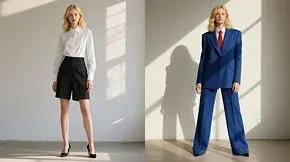
3:4Character design
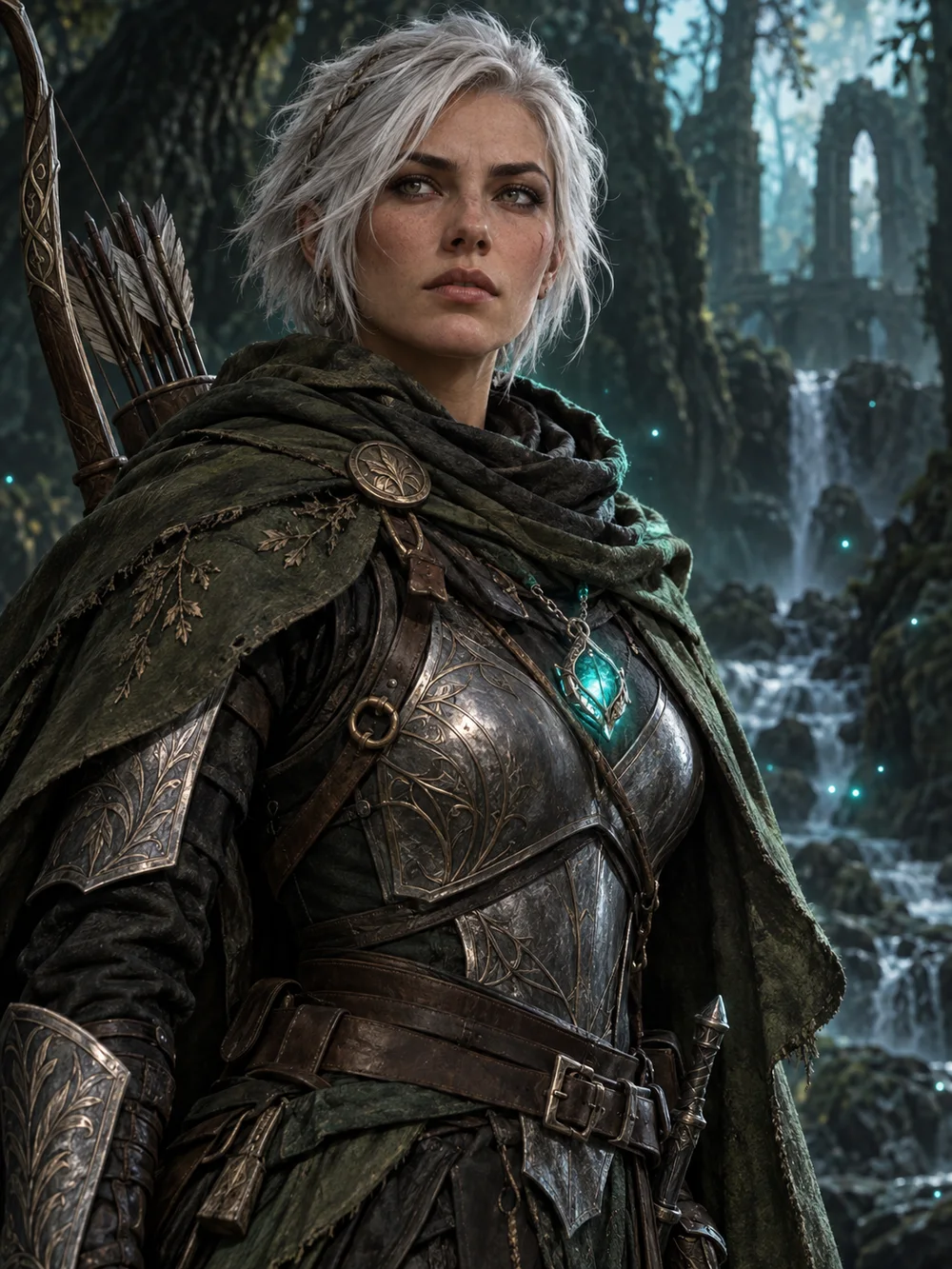
Find the face of your story. Explore silhouettes, costumes and character portraits.
- You provide
- A short brief, or a reference image to edit
- You get
- Character concept images, up to 4 variations per run
Game & CG creation studio
Describe what you need or start from a reference. Generate with 17 image models and 16 video models, then edit, upscale or animate the result in the same studio.
Original concept artwork used as visual reference, not a guaranteed model output.
Each starting point pre-fills a prompt and frame, then links to a guide with steps and quality checks.
3:4Find the face of your story. Explore silhouettes, costumes and character portraits.
 16:9
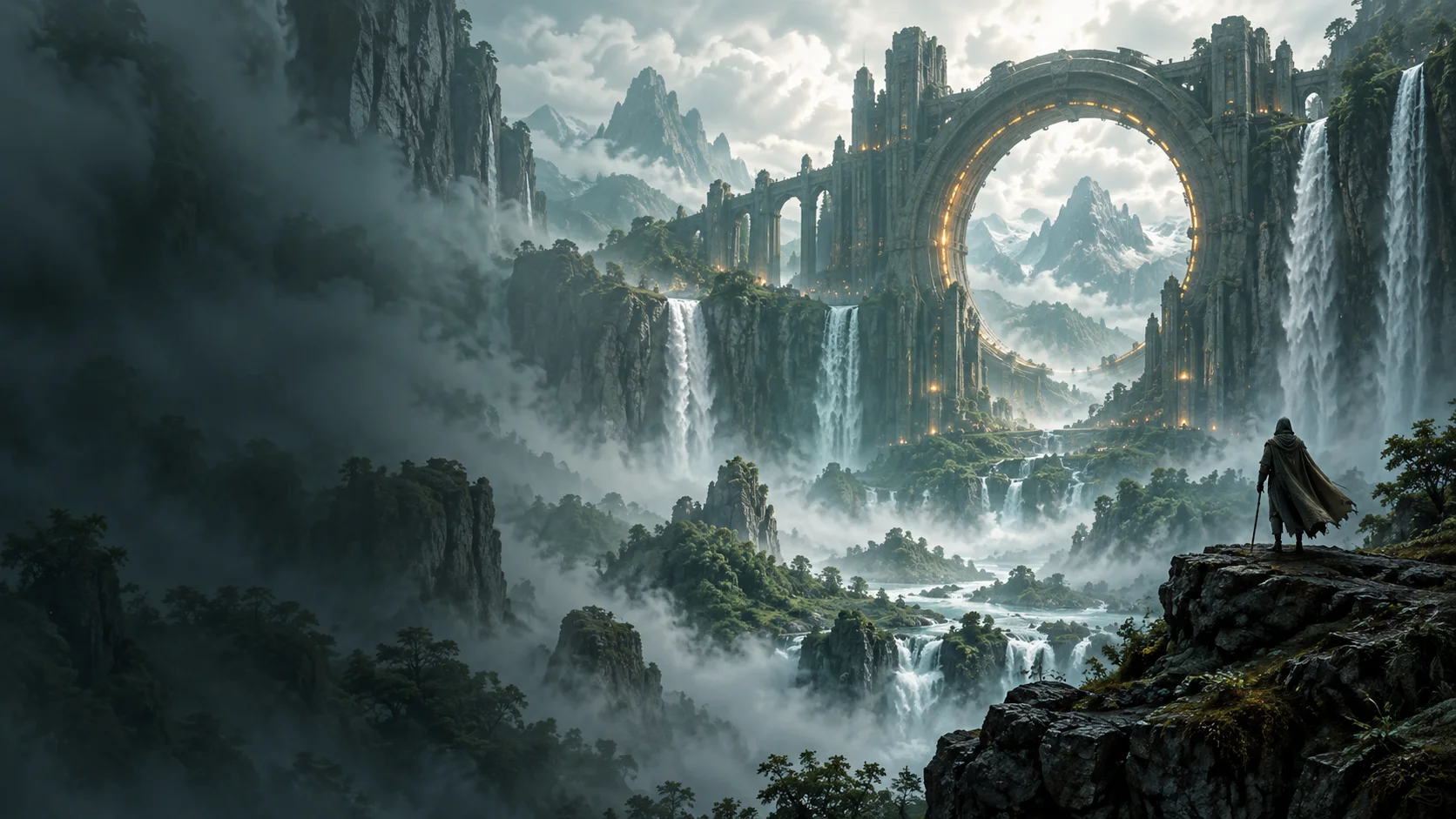
16:9Set the scene with sweeping landscapes, hidden cities and atmospheric concept art.
 1:1
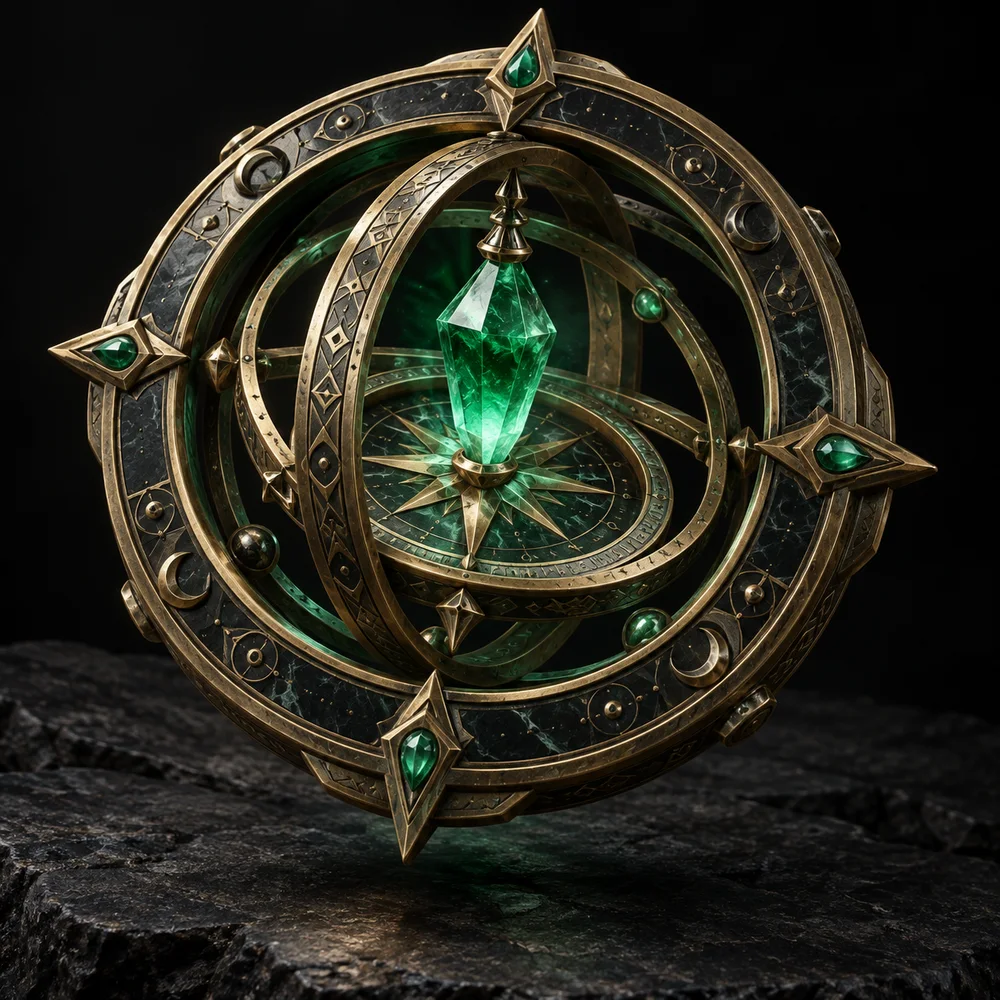
1:1Design memorable objects, magical relics and readable inventory icon concepts.
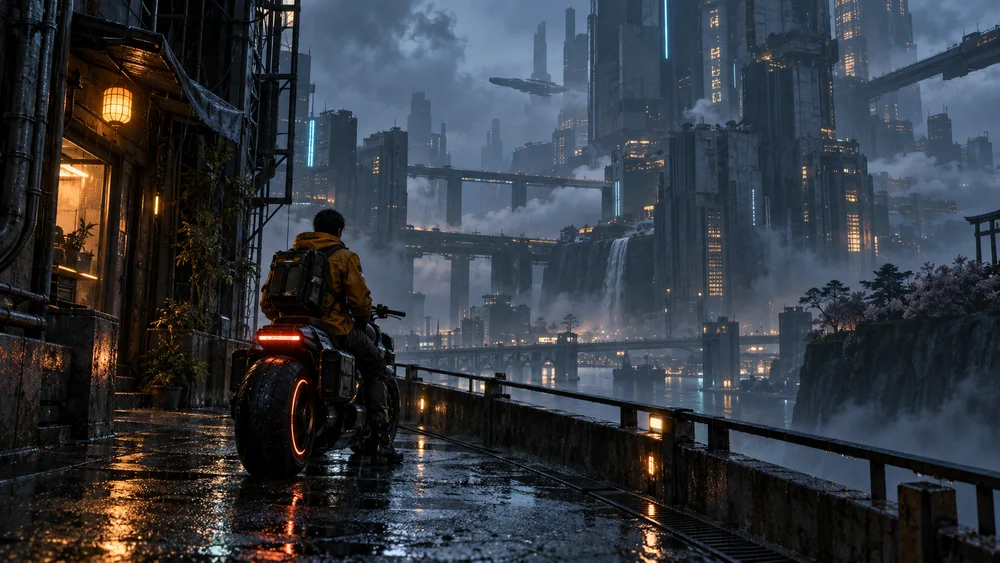 16:9
16:9Explore establishing shots, moving atmospheres and short cinematic sequences.
Three tools you use in order. Download a result and upload it to the next step; nothing is passed along automatically.
Write a brief in text-to-image and compare a few models. Cheaper models are useful for exploring; switch to a detailed one when the direction is set.
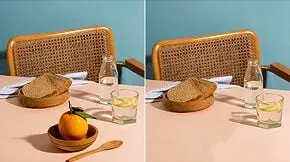
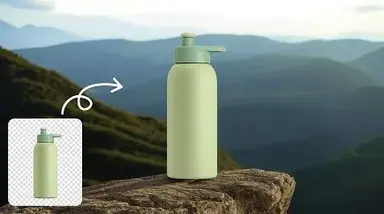
Change one detail at a time with image editing, remove the background, erase unwanted objects, or upscale for presentation.
Bring a finished frame into a video model that accepts images, or write the shot in text-to-video. Test short clips first.
Credits per run as shown in the studio. Price can change with quality, duration or resolution settings.
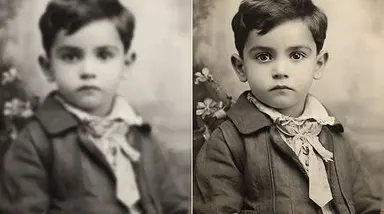
The same credits also cover general work: portraits, product shots, photo repair and backgrounds.
No. Start from a project type and a prompt; you can switch models before each run. Each model shows its inputs and credit cost in the picker.
Each run uses credits based on the model and its settings, and the cost is shown before you generate. Paid plans start at $9.90 per month for 300 credits.
Yes. Image editing and image-to-video accept an uploaded image. Supported inputs vary by model and are listed in the studio.
Generate the object on a plain background, then run it through the background remover and check fine edges before export. A painted shadow is not transparency.
Review the Terms of Service and the terms of the model you used. Yollomi does not grant blanket ownership or clearance for every model or use.
No. Yollomi makes 2D images and video clips. Use them as concept references for meshes, rigs, sprites or levels built in your production tools.
Not by default. The “Public gallery” switch next to the create button stays off unless you turn it on.
Try a starting point, compare models, and pick a plan when you need more credits.