Yollomi LogoYollomi
LoginFree Trial
Text to Image15 creditsModel guide

Flux 2 Pro AI Image Generator

Flux 2 Pro is the strongest choice on Yollomi when the prompt needs premium image quality, nuanced lighting, rich texture, and a polished commercial look. It is best used after the creative direction is clear and the goal is a final image rather than a quick draft.

Cinematic portraits and fashion editorials

Product hero images and advertising concepts

Detailed environment art and campaign visuals

Final-pass renders after testing prompts with faster models

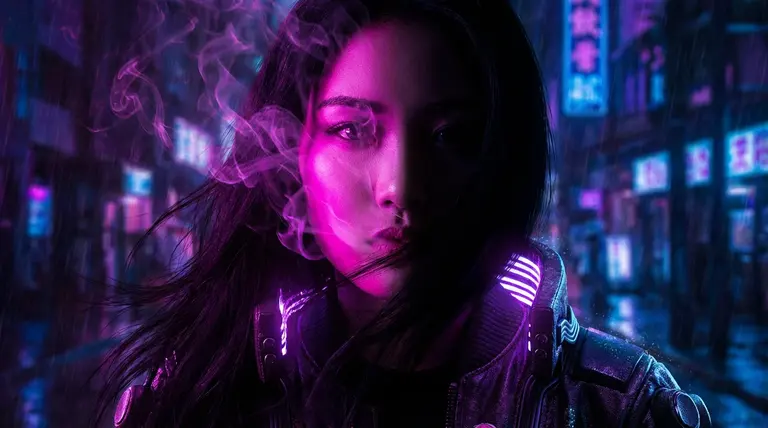
Flux 2 Pro cinematic portrait example generated on Yollomi

Flux 2 Pro output examples

What you can create with Flux 2 Pro

Large visual examples first. Details stay below.

Visual guide
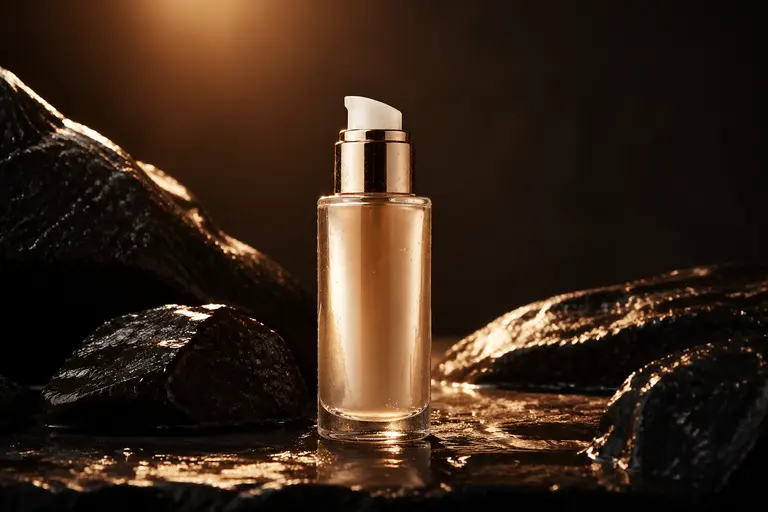
Flux 2 Pro Commercial Campaign Visuals example
Example output

Commercial Campaign Visuals

Create polished hero images for ads, landing pages, lookbooks, and social campaigns where lighting, skin detail, fabric texture, and composition need to feel intentional.
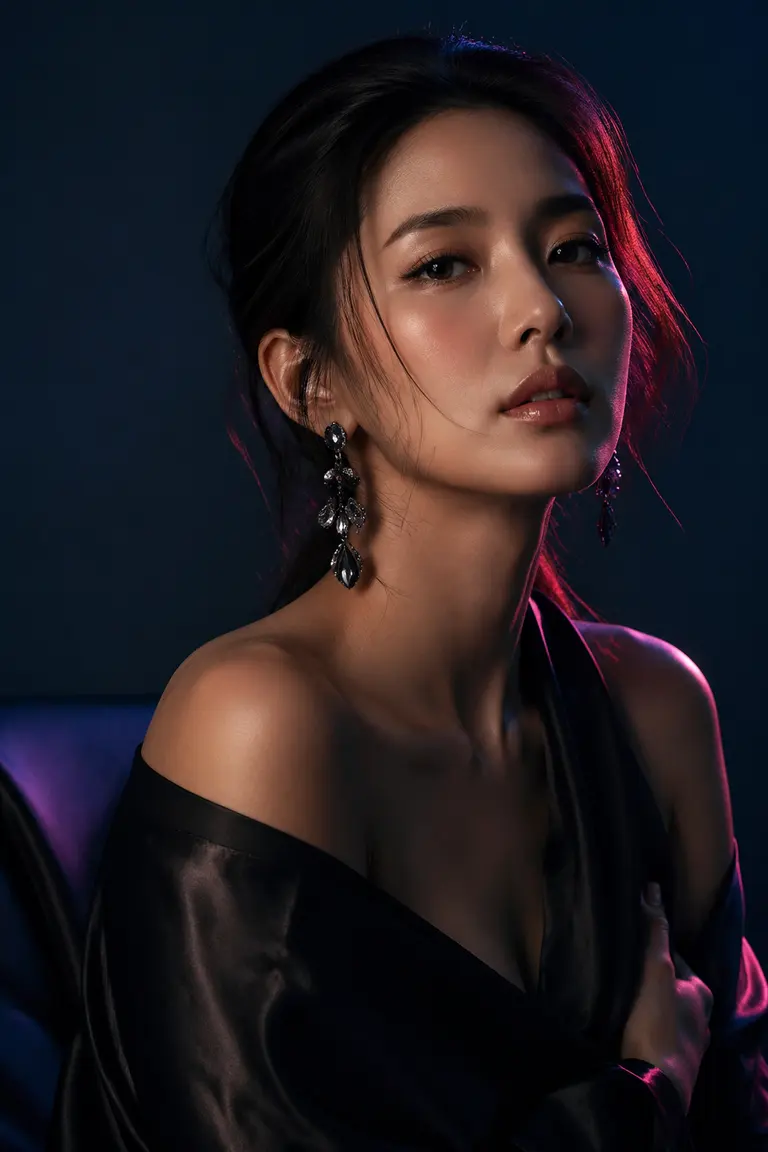
Flux 2 Pro Premium Portrait Generation example
02

Premium Portrait Generation

Generate cinematic portraits with controlled mood, lens language, wardrobe direction, and high-end editorial styling.

Flux 2 Pro Concept Art With Strong Atmosphere example
03

Concept Art With Strong Atmosphere

Turn a detailed creative brief into fantasy, sci-fi, architecture, or product concept art with stronger visual finish than fast draft models.

What makes Flux 2 Pro different

Flux 2 Pro is strongest when the brief asks for visual polish: controlled lighting, premium texture, believable faces, and a cinematic or editorial finish. It is less about generating the cheapest draft and more about producing a final image that can sit in a campaign, landing page, or concept deck.

Where it wins in real workflows

Use it after you have already tested the core idea. A common workflow is to explore prompt directions with Flux Schnell or another fast model, then move the winning prompt into Flux 2 Pro for the final pass with better lighting, richer materials, and stronger composition.

Flux 2 Pro effect profile

Look

cinematic, polished, high-contrast, editorial

Strength

premium portraits, fashion, product shots, atmospheric environments

Prompt sensitivity

responds well to camera, lens, lighting, material, and mood language

Best output stage

final-pass generation after the visual direction is clear

How to use Flux 2 Pro

Three steps. No long guide required.

Intent
Prompt
Refine
01

Pick the right intent

Cinematic portraits and fashion editorials

02

Start from a proven prompt

It gives Flux 2 Pro subject, wardrobe, lighting, lens, mood, and output style in one clear brief.

03

Compare and refine

Use Flux Schnell for cheap, fast prompt exploration. Switch to Flux 2 Pro when a direction is selected and you need a higher-quality final image.

How to prompt Flux 2 Pro

Start with the subject and commercial purpose, then add lighting and camera language.

Use concrete materials such as silk, wet stone, brushed metal, glass, smoke, or snow.

For portraits, include lens, angle, facial expression, wardrobe, and background mood.

Avoid vague prompts like "make it beautiful"; replace them with production terms such as editorial, product photography, cinematic wide shot, or luxury campaign.

What to watch out for

Not the cheapest option for rough ideation.

Complex text inside images is better handled by GPT Image 2 or Ideogram.

Very strict brand layout requirements may need multiple iterations.

Prompt lab

Flux 2 Pro prompt examples

Reusable recipes, collapsed by default.

Recipe structure
Subject
Exact text
Layout
Style
Constraints
01

Editorial Portrait

high-end editorial portrait of an Asian woman in a black silk dress, neon magenta rim light on one side of the face, soft blue fill light, cinematic smoke, 85mm lens, shallow depth of field, luxury fashion magazine style
Full prompt + why
high-end editorial portrait of an Asian woman in a black silk dress, neon magenta rim light on one side of the face, soft blue fill light, cinematic smoke, 85mm lens, shallow depth of field, luxury fashion magazine style

It gives Flux 2 Pro subject, wardrobe, lighting, lens, mood, and output style in one clear brief.

02

Product Hero Shot

premium skincare bottle on wet black stone, soft golden sunrise reflection, water droplets, elegant minimal background, commercial product photography, crisp label, 4k detail
Full prompt + why
premium skincare bottle on wet black stone, soft golden sunrise reflection, water droplets, elegant minimal background, commercial product photography, crisp label, 4k detail

It specifies material, surface, lighting, composition, and commercial intent, which helps the model produce a usable hero visual.

03

Cinematic Environment

futuristic alpine research station at dusk, warm windows glowing through snow, dramatic clouds, realistic architecture, cinematic wide shot, atmospheric perspective, ultra detailed
Full prompt + why
futuristic alpine research station at dusk, warm windows glowing through snow, dramatic clouds, realistic architecture, cinematic wide shot, atmospheric perspective, ultra detailed

It combines scene scale, time of day, lighting, camera framing, and atmosphere for a more coherent environment.

Flux 2 Pro vs other models

Quick model choice.

Flux Schnell

Alternative

Use Flux Schnell for cheap, fast prompt exploration. Switch to Flux 2 Pro when a direction is selected and you need a higher-quality final image.

GPT Image 2

Alternative

Use GPT Image 2 when instruction following, text in image, or iterative editing is more important than the Flux visual style.

Imagen 4 Ultra

Alternative

Use Imagen 4 Ultra for photo-realistic clean outputs; use Flux 2 Pro for more stylized cinematic and editorial looks.

?
?

FAQ

1

What is Flux 2 Pro best for?

Flux 2 Pro is best for high-quality AI images where visual polish matters: portraits, fashion shots, product images, concept art, and campaign visuals.

2

Should I use Flux 2 Pro or Flux Schnell?

Use Flux Schnell for fast drafts and low-cost exploration. Use Flux 2 Pro for final images that need stronger detail, lighting, and composition.

3

How many credits does Flux 2 Pro use on Yollomi?

Flux 2 Pro currently uses 15 credits per generation on Yollomi.

Flux 2 Pro AI Image Generator | High Quality Text to Image