
Google Veo 3.1
Describe one scene and its motion. Choose a model to see supported inputs and duration.
Generated Videos
Your generated clips will appear here
Ready to Create
Enter a prompt and click Create to generate amazing videos with AI
Ideas for Google Veo 3.1
Style references, not a guarantee of results.

Reference-Guided Brand Clips
Use a starting image or visual direction to keep products, subjects, or style closer to the intended brand look.
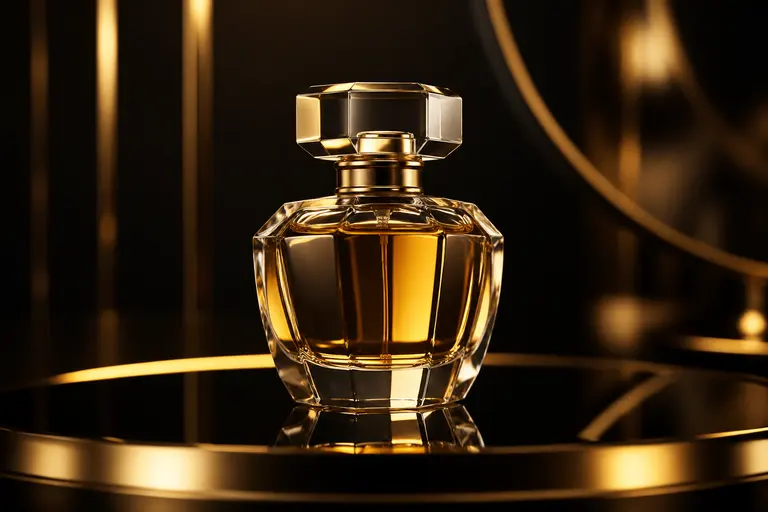
Product Motion Concepts
Create clean product videos with controlled camera moves, lighting, and premium commercial styling.
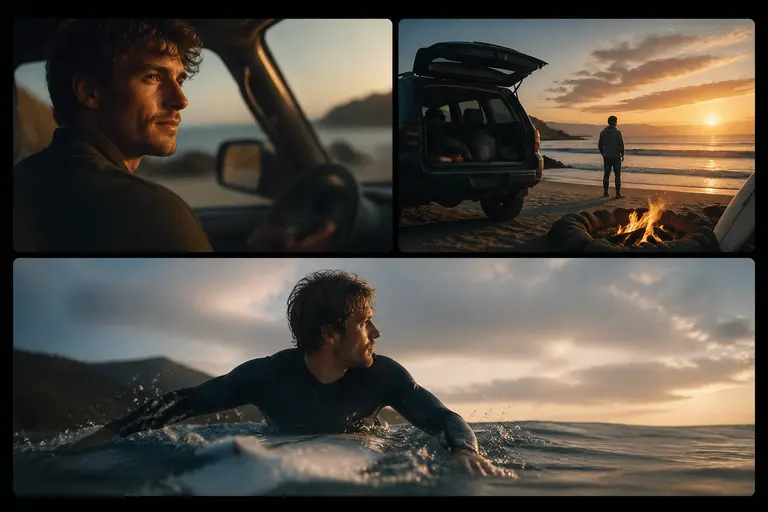
Polished Creative Tests
Generate higher-quality motion studies for ads, trailers, social campaigns, and pitch decks.
Prompts to try
Luxury Product Reveal
macro shot of a luxury perfume bottle rotating slowly on black glass, soft gold rim light, floating mist, elegant commercial video, smooth camera push-in
It defines subject, motion, surface, lighting, atmosphere, and camera movement.
Travel Film Moment
cinematic travel shot of a hiker standing on a cliff above clouds at sunrise, camera pulls back slowly, warm golden light, realistic wind movement
It gives Veo 3.1 clear motion, environment, lighting, and emotional tone.
Fashion Motion
model in a flowing red dress walking through an empty museum hall, fabric moving naturally, slow tracking shot, soft daylight through tall windows
It combines human motion, fabric dynamics, camera tracking, and controlled lighting.
Working with Google Veo 3.1
- Describe camera movement and subject movement separately.
- Use reference images when product, character, or style accuracy matters.
- For product clips, specify surface, lighting, rotation, lens distance, and background.
Before you publish
- More expensive than fast video draft models.
- Not the fastest option for rough concept exploration.
- Very detailed text and logo accuracy in moving video still needs careful review.
Google Veo 3.1 FAQ
What is Google Veo 3.1 best for?
Google Veo 3.1 is best for high-quality AI video generation, reference-guided clips, product videos, cinematic motion, and polished brand concepts.
Should I use Veo 3.1 or Veo 3.1 Fast?
Use Veo 3.1 Fast for quicker iteration. Use Veo 3.1 when you want the strongest quality and can spend more time or credits.
How many credits does Google Veo 3.1 use?
Google Veo 3.1 currently uses 10 credits per generation on Yollomi.