Yollomi LogoYollomi
LoginFree Trial
Text to VideoModel guide

PixVerse 5 AI video generator

PixVerse 5 is best for cinematic text-to-video scenes and product and brand clips. This guide explains when to use it, how to prompt it, and how it differs from nearby Yollomi models. It currently starts at 20 credits on Yollomi.

Cinematic text-to-video scenes

Product and brand clips

Short-form social videos

Motion concepts for campaigns

PixVerse 5 AI video generation example on Yollomi

PixVerse 5 output examples

What you can create with PixVerse 5

Large visual examples first. Details stay below.

Visual guide
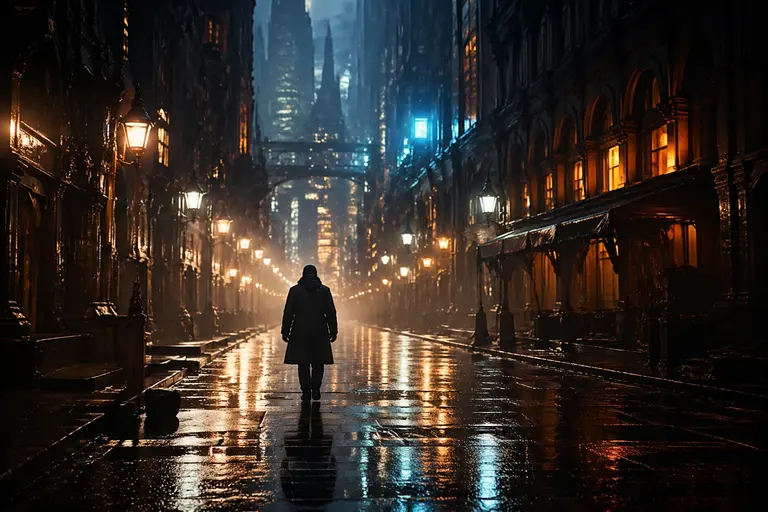
PixVerse 5 Cinematic Scene Concepts example
Example output

Cinematic Scene Concepts

Generate short scenes with subject action, camera movement, lighting, and cinematic atmosphere.
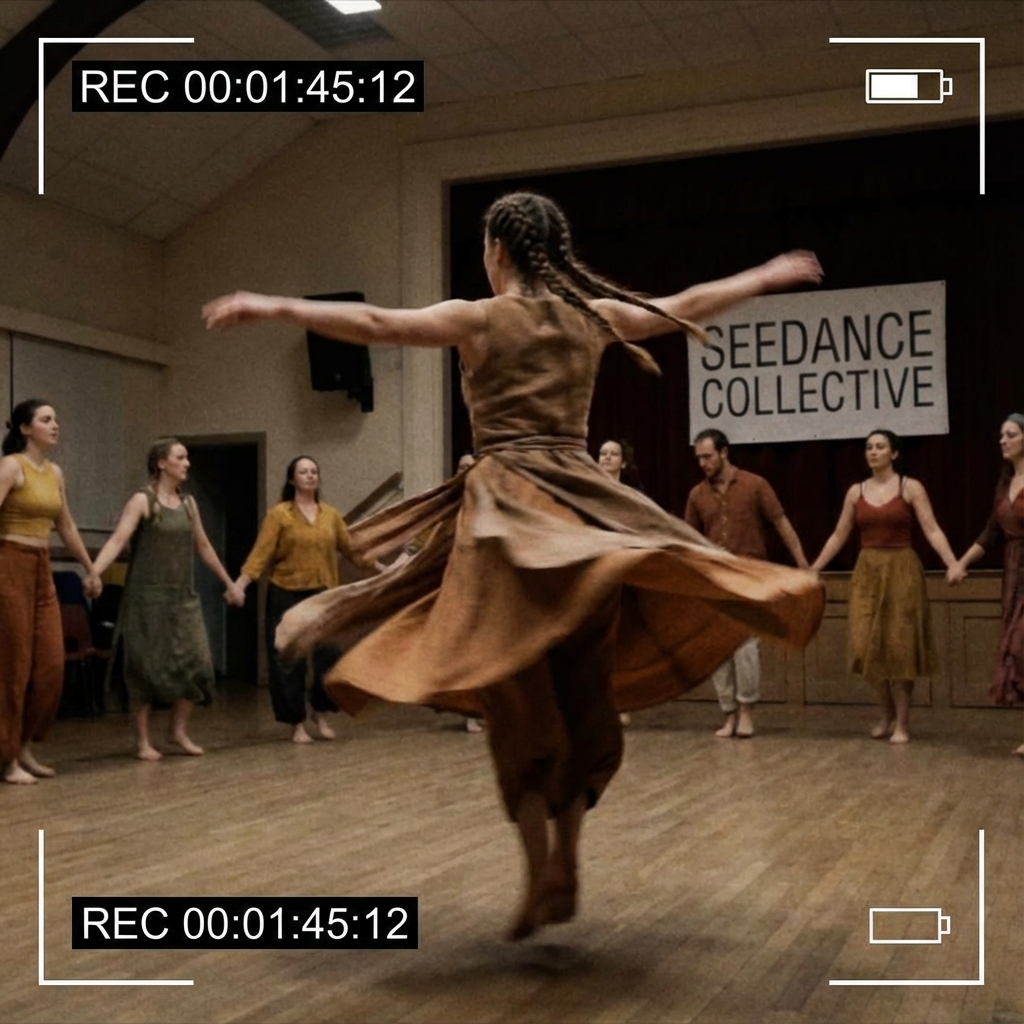
PixVerse 5 Social Video Variants example
02

Social Video Variants

Create vertical, square, or widescreen clip ideas for TikTok, Reels, Shorts, ads, and launch posts.
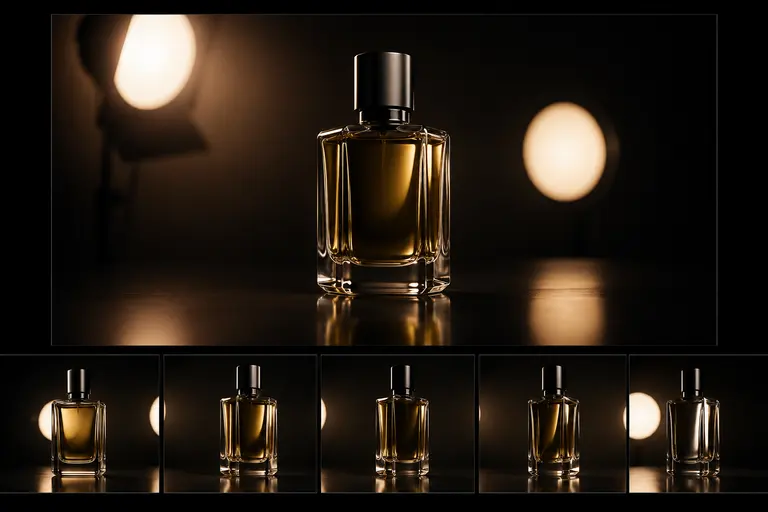
PixVerse 5 Product and Brand Motion example
03

Product and Brand Motion

Prototype product reveals, fashion movement, app teasers, and campaign moments before production.

What makes PixVerse 5 different

PixVerse 5 is a PixVerse video model for text-to-video generation. Its landing page should target users comparing video models by motion quality, speed, reference control, and social output format.

How PixVerse 5 fits into a real workflow

Use PixVerse 5 with a director-style brief: subject, action, camera movement, scene, lighting, and format. When starting from text, make the motion explicit so the clip does not feel like a static image.

PixVerse 5 effect profile

Workflow

Text to Video

Provider

PixVerse

Look

cinematic, prompt-driven, social-ready

Strength

turning scene prompts into coherent short clips

Prompt sensitivity

needs explicit subject action, camera movement, duration, aspect ratio, and visual mood

Best output stage

polished motion concepts and campaign-ready short clips

How to use PixVerse 5

Three steps. No long guide required.

Intent
Prompt
Refine
01

Pick the right intent

Cinematic text-to-video scenes

02

Start from a proven prompt

It defines product, motion, surface, camera movement, lighting, and commercial style.

03

Compare and refine

Use Sora 2 for cinematic prompt-driven narrative scenes and broad creative concepts.

How to prompt PixVerse 5

Write the prompt like a short scene brief, not a still-image caption.

Describe subject motion and camera motion separately.

Include shot type, location, lighting, and duration cues.

Use specific camera language when quality matters: push-in, tracking shot, orbit, macro, aerial, or handheld.

What to watch out for

Readable text, exact logos, and tiny product labels can be unreliable in moving video.

Static prompts often produce weaker motion than action-led prompts.

Premium video generations cost more credits, so prompts should be specific before running.

Prompt lab

PixVerse 5 prompt examples

Reusable recipes, collapsed by default.

Recipe structure
Subject
Exact text
Layout
Style
Constraints
01

Product Reveal

premium wireless headphones rotating slowly on a glossy black surface, camera pushes in, soft blue rim light, subtle mist, cinematic commercial video
Full prompt + why
premium wireless headphones rotating slowly on a glossy black surface, camera pushes in, soft blue rim light, subtle mist, cinematic commercial video

It defines product, motion, surface, camera movement, lighting, and commercial style.

02

Human Motion Clip

fashion model walking through an empty concrete gallery, slow tracking shot, fabric moving naturally, soft daylight, elegant editorial video
Full prompt + why
fashion model walking through an empty concrete gallery, slow tracking shot, fabric moving naturally, soft daylight, elegant editorial video

It gives human action, camera tracking, environment, fabric motion, and mood.

03

Social Hook

macro shot of a glass fruit being sliced on a wooden board, each slice sparkles, quick satisfying motion, ASMR-style visual, vertical video
Full prompt + why
macro shot of a glass fruit being sliced on a wooden board, each slice sparkles, quick satisfying motion, ASMR-style visual, vertical video

It is built around a clear visual hook, repeated motion, and social format.

PixVerse 5 vs other models

Quick model choice.

Sora 2

Alternative

Use Sora 2 for cinematic prompt-driven narrative scenes and broad creative concepts.

Google Veo 3.1

Alternative

Use Veo 3.1 when high-fidelity output and reference-guided control matter most.

Kling 2.1

Alternative

Use Kling for character motion, image-to-video workflows, and energetic social clips.

?
?

FAQ

1

What is PixVerse 5 best for?

PixVerse 5 is best for cinematic text-to-video scenes, product and brand clips, short-form social videos, motion concepts for campaigns.

2

How should I prompt PixVerse 5?

Write the prompt like a short scene brief, not a still-image caption.

3

How many credits does PixVerse 5 use?

PixVerse 5 currently starts at 20 credits on Yollomi. Some settings may use more credits.

PixVerse 5 AI video generator | PixVerse Model on Yollomi