Yollomi LogoYollomi
LoginFree Trial
Image to Image7 creditsModel guide

Nano Banana 2 AI Image Generator

Nano Banana 2 is a strong default when you need both consistency and output resolution control. It is useful for creator portraits, character assets, polished social visuals, and images that may need to scale beyond quick drafts.

High-resolution character and portrait generation

Creator thumbnails, banners, and profile assets

Consistent subjects across 1K, 2K, and 4K outputs

Marketing visuals that need more resolution headroom

Nano Banana 2 high resolution character asset example on Yollomi

Google Nano Banana 2 output examples

What you can create with Google Nano Banana 2

Large visual examples first. Details stay below.

Visual guide
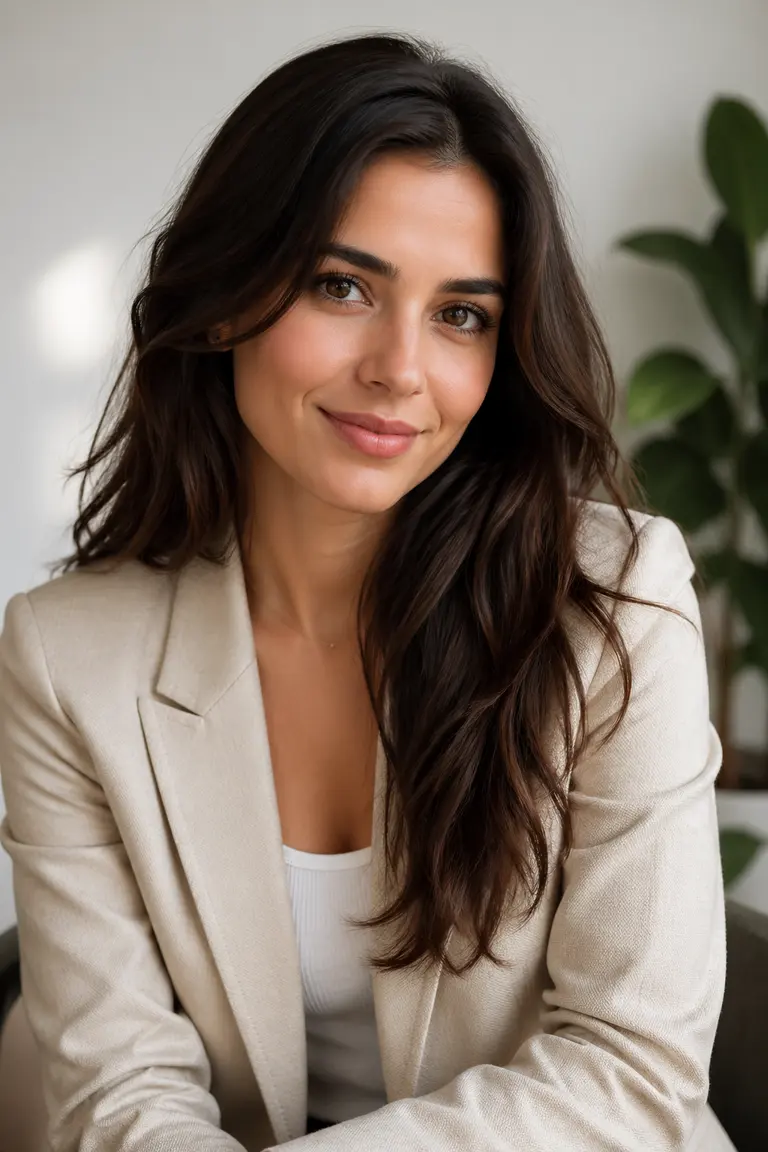
Google Nano Banana 2 High-Resolution Portraits example
Example output

High-Resolution Portraits

Create polished portraits and identity-driven assets that can be reused across websites, social profiles, and creator campaigns.
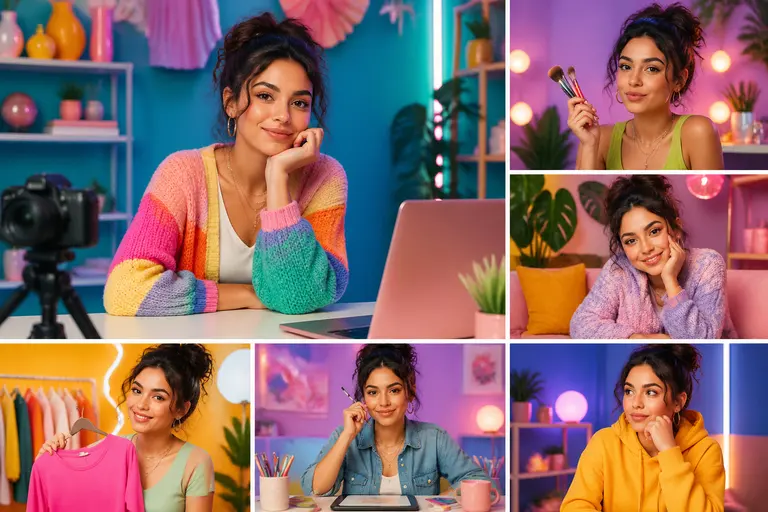
Google Nano Banana 2 Consistent Creator Visuals example
02

Consistent Creator Visuals

Generate a repeatable look for thumbnails, hero images, and promotional scenes around the same subject.
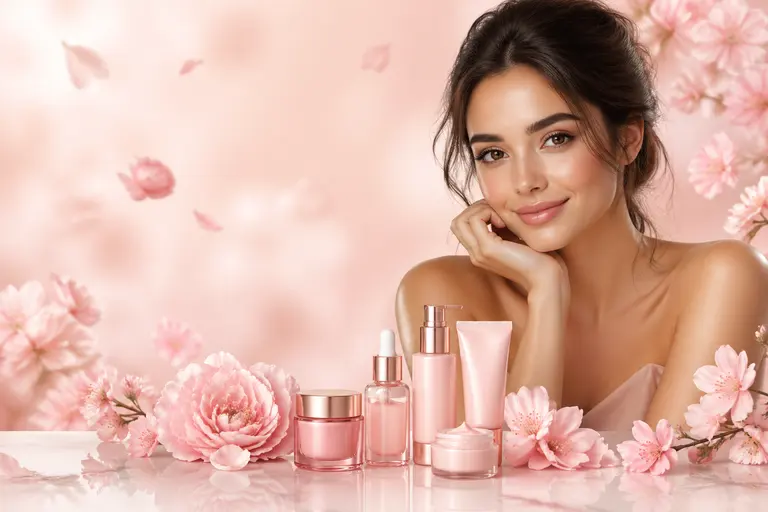
Google Nano Banana 2 Resolution-Sensitive Assets example
03

Resolution-Sensitive Assets

Use higher resolution settings when the image needs to support cropping, banners, print-like details, or larger placements.

What makes Nano Banana 2 different

Nano Banana 2 is the high-resolution consistency option. It combines repeatable subject identity with resolution choices, making it better for portraits, thumbnails, banners, and visual assets that may need cropping or larger placements.

Where it wins in real workflows

Use it when the same creator, character, mascot, or campaign subject needs polished output at 1K, 2K, or 4K. It is especially useful for creator branding systems and marketing assets that need more detail than a quick draft.

Google Nano Banana 2 effect profile

Look

clean, high-resolution, identity-focused

Strength

portraits, creator assets, avatars, thumbnails, reusable characters

Prompt sensitivity

benefits from clear subject traits plus intended output size/use case

Best output stage

final creator assets and high-resolution campaign variants

How to use Google Nano Banana 2

Three steps. No long guide required.

Intent
Prompt
Refine
01

Pick the right intent

High-resolution character and portrait generation

02

Start from a proven prompt

It defines the role, expression, background, use case, and quality target.

03

Compare and refine

Use Nano Banana Pro for multi-reference consistency. Use Nano Banana 2 when resolution choice and next-generation output quality are more important.

How to prompt Google Nano Banana 2

Mention the final usage: LinkedIn profile, YouTube thumbnail, hero banner, mascot sheet, or campaign image.

Add resolution intent such as 4k detail only when you need larger output.

Keep identity descriptors stable when generating multiple versions.

For thumbnails, specify emotion, gesture, contrast, and empty space for text.

What to watch out for

Higher resolution settings use more credits.

For precise text in the image, GPT Image 2 is usually better.

For one-off cinematic fashion looks, Flux 2 Pro may produce a stronger style.

Prompt lab

Google Nano Banana 2 prompt examples

Reusable recipes, collapsed by default.

Recipe structure
Subject
Exact text
Layout
Style
Constraints
01

Creator Headshot

confident AI educator, clean studio portrait, subtle blue gradient background, friendly expression, sharp eyes, professional LinkedIn profile photo, 4k detail
Full prompt + why
confident AI educator, clean studio portrait, subtle blue gradient background, friendly expression, sharp eyes, professional LinkedIn profile photo, 4k detail

It defines the role, expression, background, use case, and quality target.

02

YouTube Thumbnail Character

same tech creator character, surprised expression, pointing at glowing AI dashboard, bold blue and yellow lighting, YouTube thumbnail composition, high contrast
Full prompt + why
same tech creator character, surprised expression, pointing at glowing AI dashboard, bold blue and yellow lighting, YouTube thumbnail composition, high contrast

It gives emotion, action, context, and thumbnail-specific composition.

03

Brand Mascot

friendly futuristic robot mascot, rounded shapes, white and cyan color palette, waving, clean 3D style, transparent-feeling minimal background, consistent character design
Full prompt + why
friendly futuristic robot mascot, rounded shapes, white and cyan color palette, waving, clean 3D style, transparent-feeling minimal background, consistent character design

It creates a clear reusable mascot direction with fixed visual traits.

Google Nano Banana 2 vs other models

Quick model choice.

Nano Banana Pro

Alternative

Use Nano Banana Pro for multi-reference consistency. Use Nano Banana 2 when resolution choice and next-generation output quality are more important.

Flux 2 Pro

Alternative

Use Flux 2 Pro for cinematic one-off images. Use Nano Banana 2 for repeatable people, avatars, and character assets.

GPT Image 2

Alternative

Use GPT Image 2 for exact text and layout. Use Nano Banana 2 for visual identity and high-resolution portrait assets.

?
?

FAQ

1

What is Nano Banana 2 best for?

Nano Banana 2 is best for high-resolution portraits, consistent creator assets, avatars, and reusable visual characters.

2

Does Nano Banana 2 support 4K output?

Yes. Nano Banana 2 supports resolution-based workflows on Yollomi, including 1K, 2K, and 4K options.

3

How many credits does Nano Banana 2 use?

Nano Banana 2 starts at 7 credits. Higher resolution settings use more credits.

Nano Banana 2 AI Image Generator | 1K, 2K and 4K Images