
Cinematics & motion
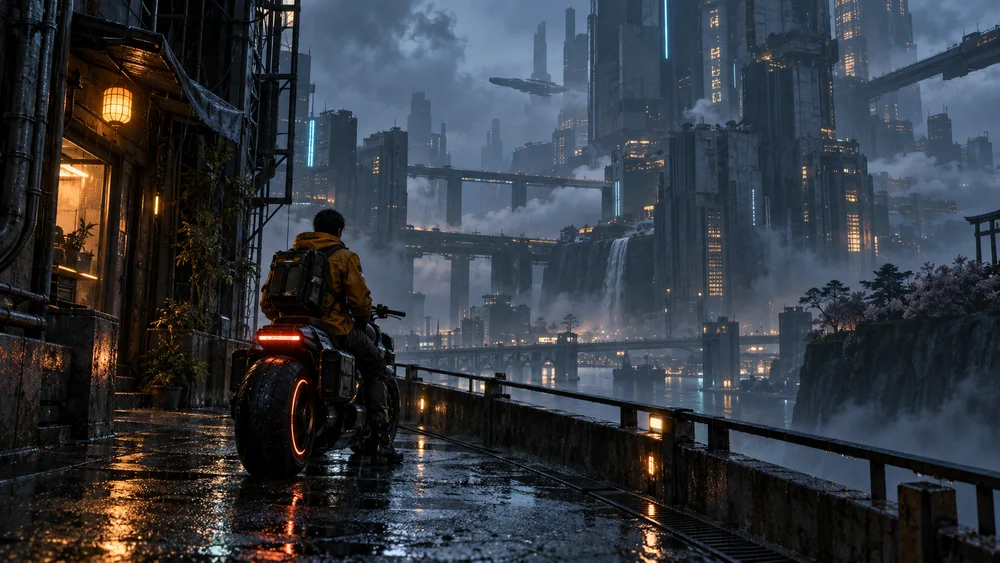
Explore establishing shots, moving atmospheres and short cinematic sequences.
Open workflowDescribe one scene and its motion. Choose a model to see supported inputs and duration.
Your generated clips will appear here
Enter a prompt and click Create to generate amazing videos with AI
The Kling VIDEO 2.6 Motion Control feature enables precise control of character actions and expressions from a reference image. In Image-to-Video generation, you can select one character and apply custom motions using a video reference.
Pricing is based on the duration of the uploaded reference video, rounded to the nearest whole second.
Describe one scene and its motion. Choose a model to see supported inputs and duration.
Check the credit total in the editor before generating. It changes with the model and settings.
PricingExplore establishing shots, moving atmospheres and short cinematic sequences.
Open workflowUpload a product photo, then choose the video settings and review the cost.