
Google Veo 3 Fast
Describe one scene and its motion. Choose a model to see supported inputs and duration.
Generated Videos
Your generated clips will appear here

Ready to Create
Enter a prompt and click Create to generate amazing videos with AI
Ideas for Google Veo 3 Fast
Style references, not a guarantee of results.

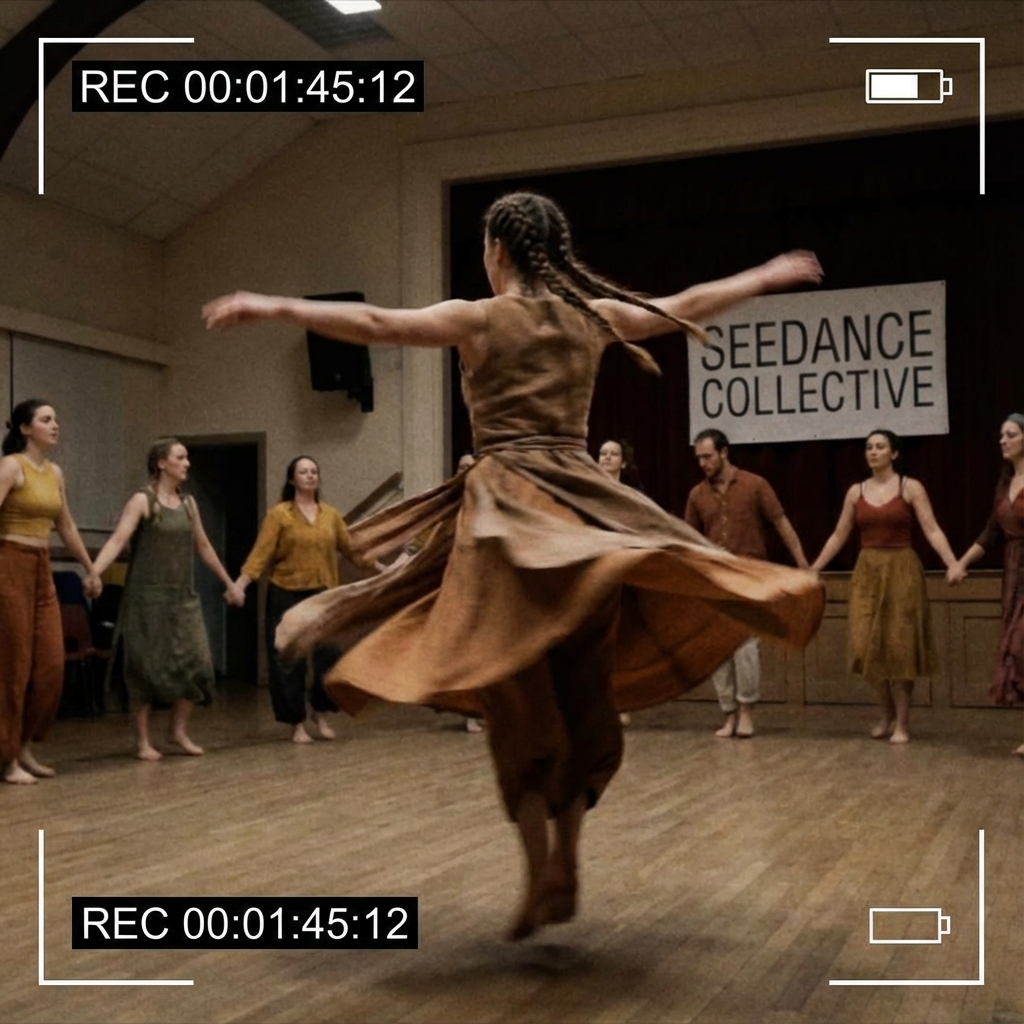
Cinematic Scene Concepts
Generate short scenes with subject action, camera movement, lighting, and cinematic atmosphere.
Social Video Variants
Create vertical, square, or widescreen clip ideas for TikTok, Reels, Shorts, ads, and launch posts.

Product and Brand Motion
Prototype product reveals, fashion movement, app teasers, and campaign moments before production.
Prompts to try
Product Reveal
premium wireless headphones rotating slowly on a glossy black surface, camera pushes in, soft blue rim light, subtle mist, cinematic commercial video
It defines product, motion, surface, camera movement, lighting, and commercial style.
Human Motion Clip
fashion model walking through an empty concrete gallery, slow tracking shot, fabric moving naturally, soft daylight, elegant editorial video
It gives human action, camera tracking, environment, fabric motion, and mood.
Social Hook
macro shot of a glass fruit being sliced on a wooden board, each slice sparkles, quick satisfying motion, ASMR-style visual, vertical video
It is built around a clear visual hook, repeated motion, and social format.
Working with Google Veo 3 Fast
- Write the prompt like a short scene brief, not a still-image caption.
- Describe subject motion and camera motion separately.
- Include shot type, location, lighting, and duration cues.
Before you publish
- Readable text, exact logos, and tiny product labels can be unreliable in moving video.
- Static prompts often produce weaker motion than action-led prompts.
- Fast variants may trade some detail or consistency for speed.
Google Veo 3 Fast FAQ
What is Google Veo 3 Fast best for?
Google Veo 3 Fast is best for fast video iteration, social clip variants, testing motion directions, lower-friction creative drafts.
How should I prompt Google Veo 3 Fast?
Write the prompt like a short scene brief, not a still-image caption.
How many credits does Google Veo 3 Fast use?
Google Veo 3 Fast currently starts at 30 credits on Yollomi. Some settings may use more credits.